Recently macOS warned me that I was running out of space. OmniDiskSweeper pointed at /Users/<user_name>/Library/Containers/com.apple.mediaanalysisd/Data/Library/Caches/com.apple.mediaanalysisd, which was nearly 70 GB.
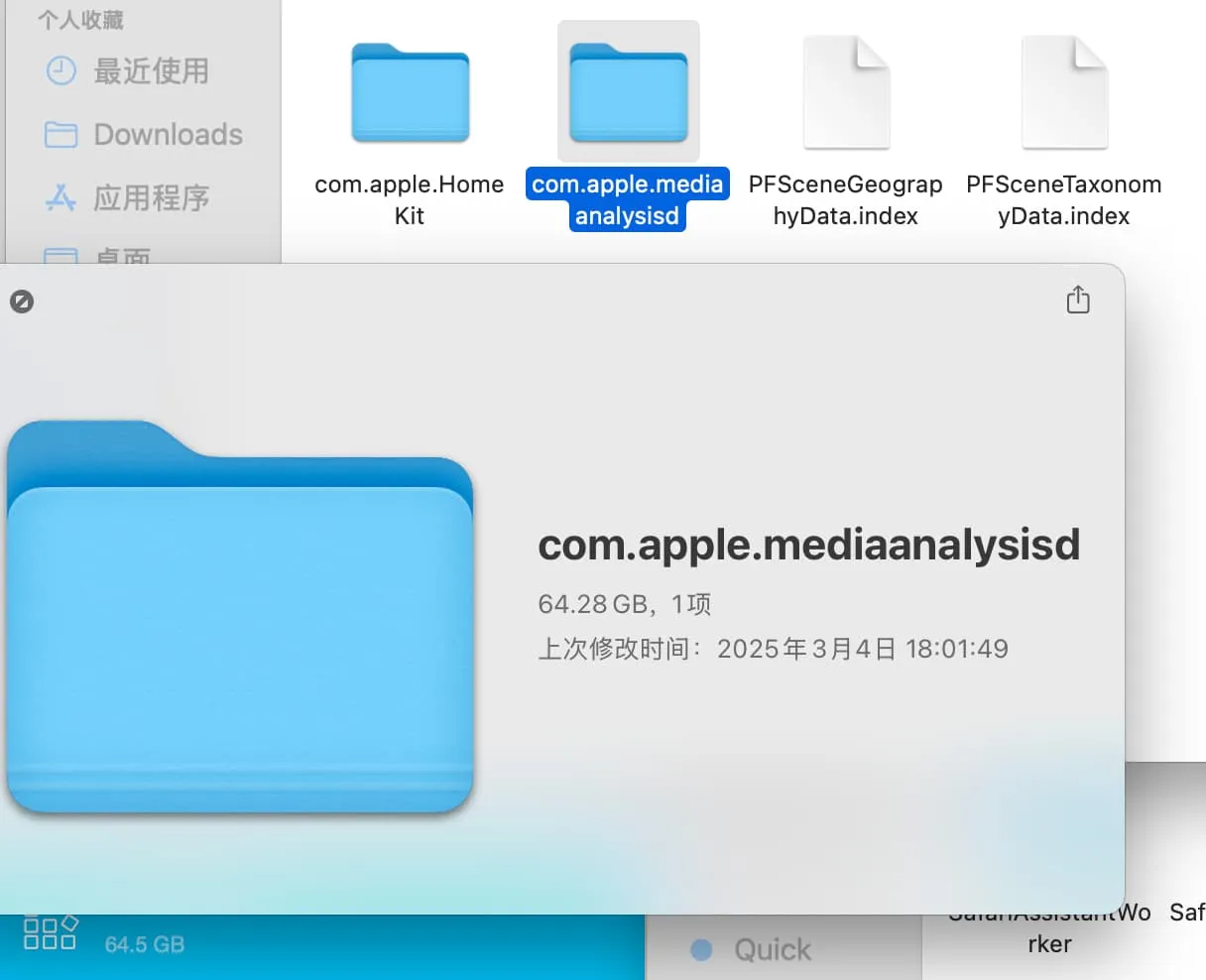
What is mediaanalysisd?
It’s the background service that scans photos for faces and metadata, and it may tie into Apple Intelligence in macOS. It silently crawls the media on your Mac.
Regardless, 70 GB is absurd.
Things I tried:
- Delete the folder. After a reboot the system recreated it (the 70 GB vanished temporarily, but the folder will eventually grow again).
- Kill the process. It respawned immediately.
- Remove
/System/Library/LaunchAgents/com.apple.mediaanalysisd.plist. The system wouldn’t let me delete it (it’s protected OS content). I could disable SIP and force it, but that felt heavy-handed.
The problem wouldn’t budge. Then I flipped the mindset: I don’t have to delete the service—just stop it from hogging disk space.
macOS can’t cap the size of a regular folder, but disk images can be size-limited.
Here’s the plan:
- Create a sparse disk image with a 100 MB cap.
- Mount it.
- Symlink
/Users/<user_name>/Library/Containers/com.apple.mediaanalysisd/Data/Library/Caches/com.apple.mediaanalysisdto the mounted volume.
That way mediaanalysisd writes into the limited image and can’t balloon past 100 MB.
Commands (replace <user_name> with your actual user name):
⇒  hdiutil create -size 100m -fs APFS -type SPARSEBUNDLE -volname com.apple.mediaanalysisd ~/LimitedFolder100.dmg
created: /Users/<user_name>/LimitedFolder100.dmg.sparsebundle

⇒  hdiutil attach ~/LimitedFolder100.dmg.sparsebundle
/dev/disk4          	GUID_partition_scheme
/dev/disk4s1        	Apple_APFS
/dev/disk5          	EF57347C-0000-11AA-AA11-0030654
/dev/disk5s1        	41504653-0000-11AA-AA11-0030654	/Volumes/com.apple.mediaanalysisd

⇒ ln -s /Volumes/com.apple.mediaanalysisd /Users/<user_name>/Library/Containers/com.apple.mediaanalysisd/Data/Library/Caches
Keep your mind flexible—there’s always another way around a problem.